 Ribbon
Secret Santa in minutes
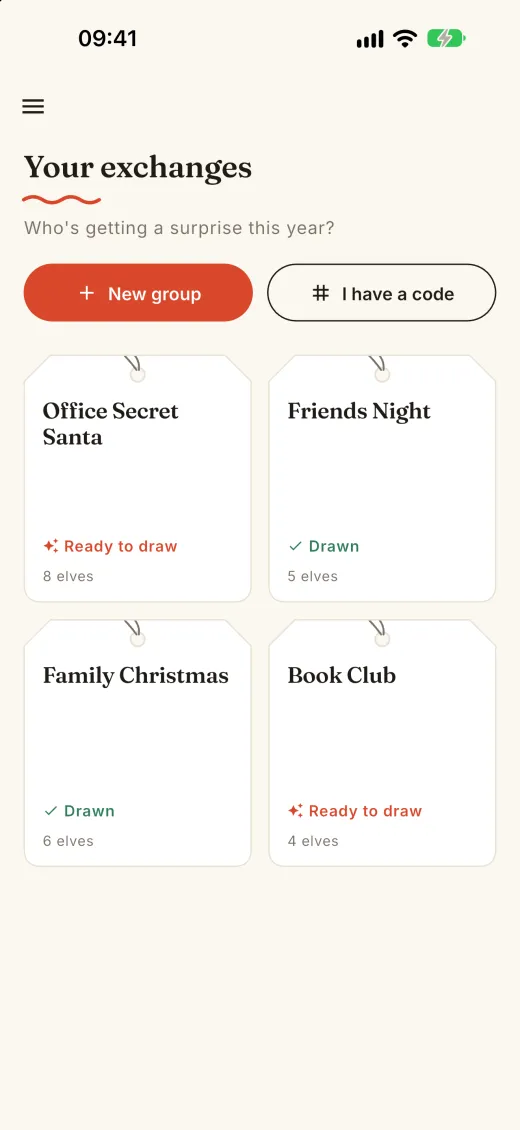
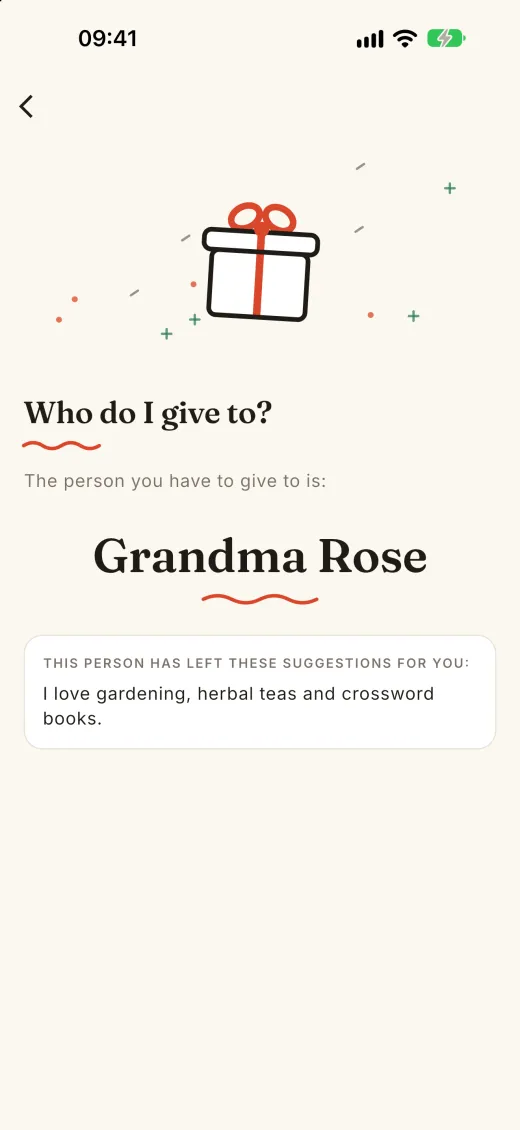
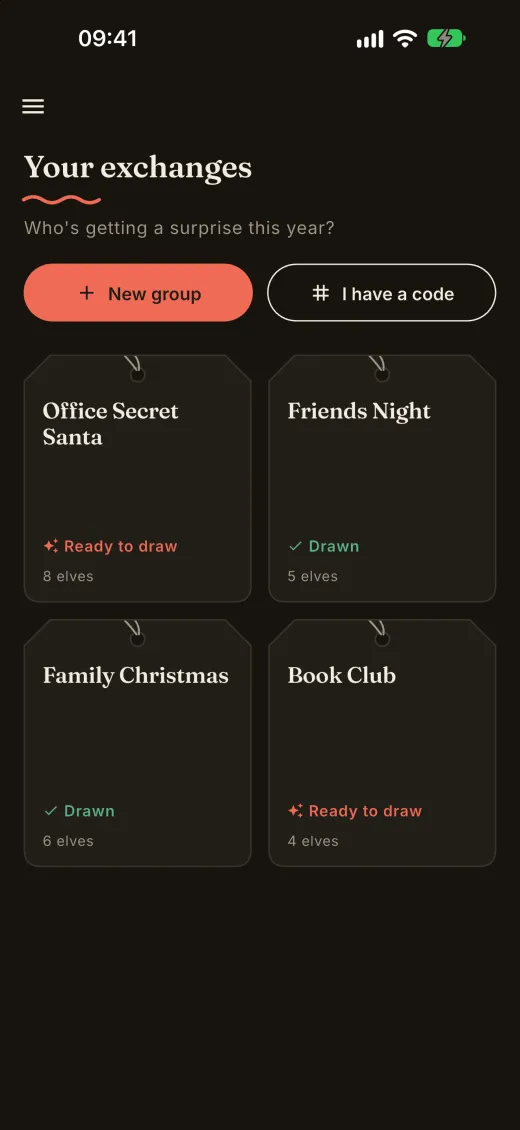
Create a group, share the code and draw names. Ribbon privately tells each person who they're giving a present to. No accounts, no emails, no passwords.
Free · iPhone and Android · English, Spanish, French and Italian
How it works
Why Ribbon
No sign-up
Open the app and you're in. Back up your profile with Google or Apple whenever you like.
A fair draw
Names are drawn at random, and nobody ever gets themselves.
Nobody has to guess
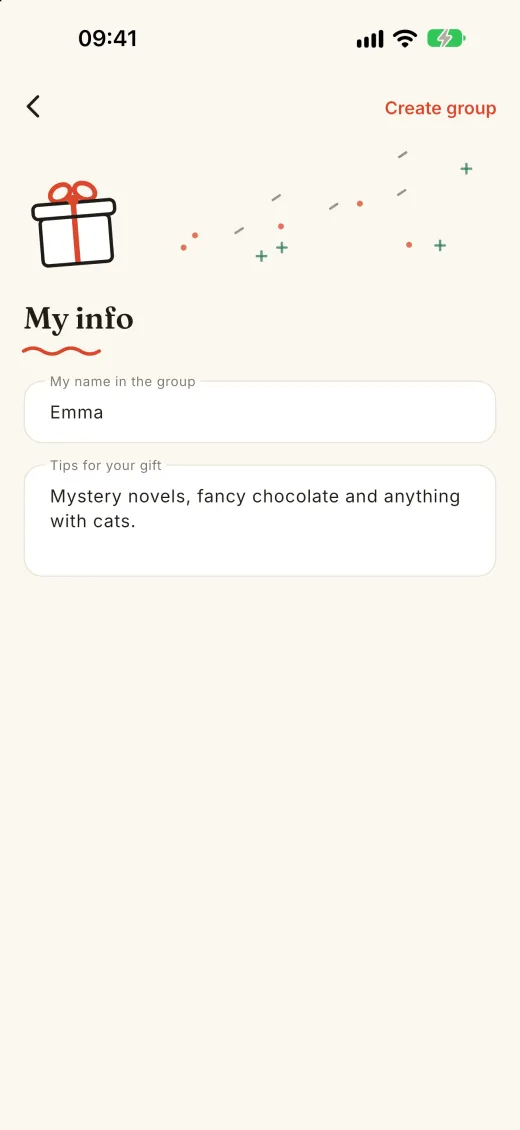
Gift tips tell each person what their match would love.
Everything in one place
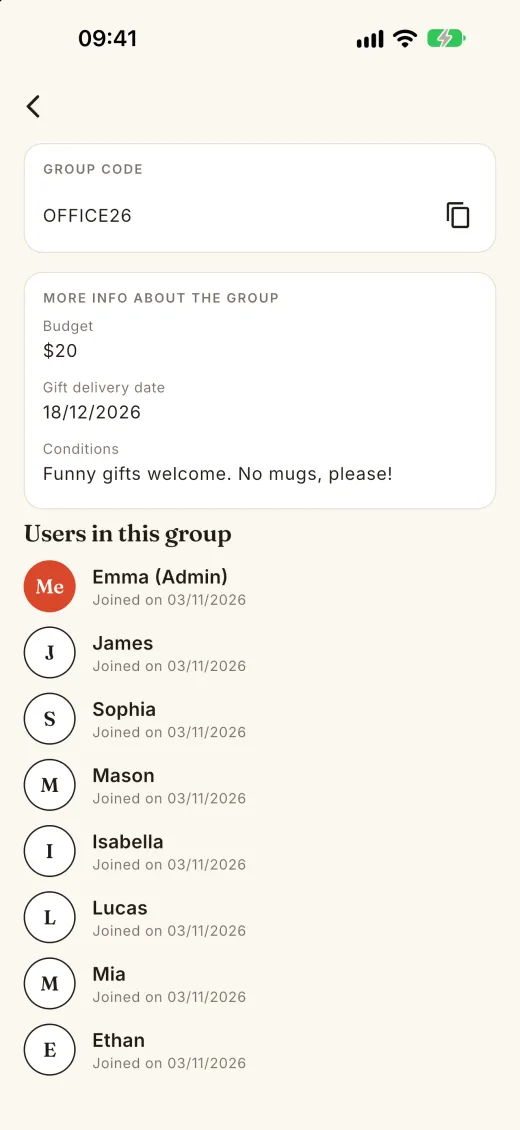
Budget, date and rules, the same for everyone.
Plans change
The organizer can edit the group, remove people and draw again.
Easy on the eyes
A clean design, with a dark mode.
A look inside
Help
Do I need an account?
No. Ribbon creates an anonymous profile on your phone. In "My account" you can link it to Google or Apple, to keep your groups if you change phones.
How do my friends join?
Share the group code from the group screen. They tap "I have a code" in Ribbon, or open the invite link, which opens the app or takes them to the store.
Can someone see who everyone got?
No. Each person only sees their own match, and the organizer too.
Someone joined late or dropped out. What now?
The organizer can edit the group, add or remove people and draw again.
I used Ribbon (Gifts) before and signed in with Google or Apple.
Open "My account" and continue with the same account to get your groups back.
Is it free?
Yes. Ribbon is free and supported by ads.
Anything else? Write to developer@danielmartinez.info.